SoloPrompt AI

Our Picks

Our Picks

A curated shortlist of the desk gear, focus tools, and books we actually use to run an AI-first solo operation — grouped into the four things that matter: the desk you sit at, the signal you protect, the hardware your AI workflow depends on, and what's on the reading shelf. No 50-item listicles.

Affiliate disclosure: As an Amazon Associate I earn from qualifying purchases. Links below may earn us a small commission at no extra cost to you.

Top Picks at a Glance

ProductCategory / Best ForQuick TakeAction
Branch Verve Ergonomic Office ChairBest Chair Under $600The DeskReal lumbar, no aftermarket cushionCheck Price
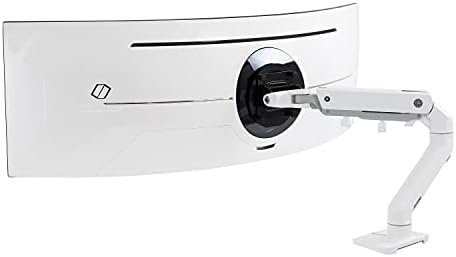
Ergotron LX Monitor ArmBest Posture FixThe DeskScreen to eye level, desk backCheck Price
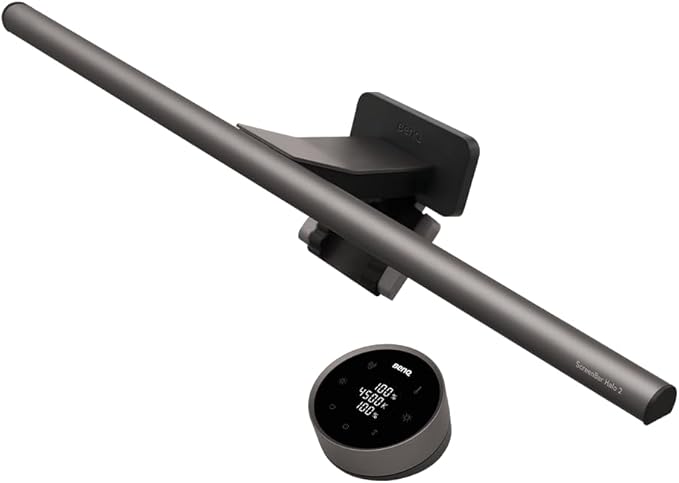
BenQ ScreenBar LED Monitor Light BarBest Late-Night Desk LightThe DeskEye-friendly auto-dimmingCheck Price
Breville Barista Express Espresso Machine (BES870XL)Best Home-Office EspressoThe DeskGrinder built in, café at costCheck Price
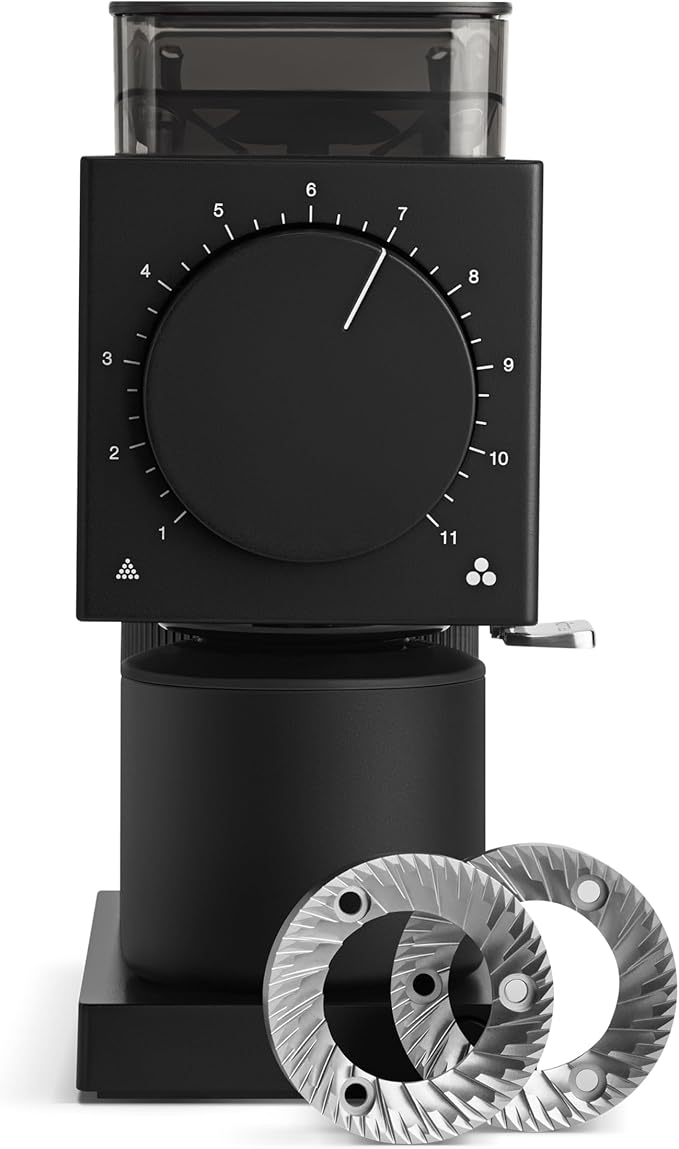
OXO Brew Conical Burr Coffee GrinderBest First Coffee UpgradeThe DeskBurr grind beats better beansCheck Price
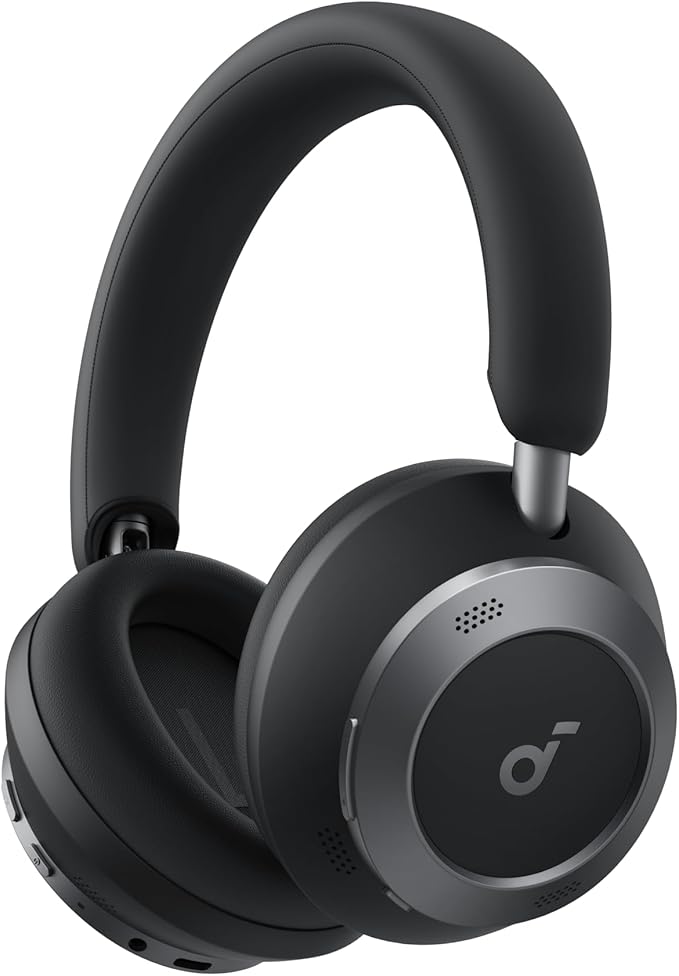
Sony WH-1000XM5 Noise Cancelling Wireless HeadphonesBest Deep-Work HeadphonesFocus & SignalBuys back a focus blockCheck Price
Time Timer MODBest Deep-Work TimerFocus & SignalVisual, silent, phone-freeCheck Price
Elgato Stream Deck MK.2Best Prompt LaunchpadFocus & SignalOne-tap prompt macrosCheck Price
Logitech MX Keys S Wireless Keyboard (Multi-Device, Backlit)Best All-Day KeyboardFocus & SignalMulti-device, backlit, quietCheck Price
Moleskine Classic Notebook, Hard Cover, Large, RuledBest Analog Prompt PlannerFocus & SignalOutline before you typeCheck Price
Shure MV7+ Podcast Dynamic Microphone (USB-C & XLR)Best Voice-Cloning MicAI Workflow HardwareStudio-grade USB & XLRCheck Price
Logitech MX Brio Ultra HD 4K WebcamBest Webcam for AI VideoAI Workflow HardwareClean 4K source, low lightCheck Price
Apple Mac mini (M4, 2024)Best Silent AI DesktopAI Workflow HardwareM4 throughput, fanless feelCheck Price
Co-Intelligence: Living and Working with AIBest AI Strategy PrimerThe Reading ShelfDelegation playbook for LLMsCheck Price
Building a Second BrainBest Prompt Library SystemThe Reading ShelfPARA for prompt chaosCheck Price
Slow Productivity: The Lost Art of Accomplishment Without BurnoutBest Workload PhilosophyThe Reading ShelfFewer things, higher qualityCheck Price
Contoured ergonomic office chair with adjustable lumbar supportThe Desk

Best Chair Under $600: Branch Verve Ergonomic Office Chair

Expert Verdict

We sat in a $180 mesh chair for two years and blamed the deadlines for the back pain. The Verve was the fix: adjustable lumbar, a back that actually tracks your spine, and no aftermarket cushion required.

  • Real ergonomic adjustment at roughly a third of a Herman Miller.
  • Assembly takes 30 focused minutes, and the armrests don't pivot inward.
View on Amazon
Aluminum articulating monitor arm clamped to a desk edgeThe Desk

Best Posture Fix: Ergotron LX Monitor Arm — Single Monitor Desk Mount

Expert Verdict

The cheapest way to stop hunching. Getting the monitor to true eye level reclaimed the desk space underneath it, and repositioning the screen for a call is now a one-handed nudge.

  • Genuinely lasts a decade — the gas spring holds tension years in.
  • Struggles above roughly 25 lbs; heavy ultrawides need the HX instead.
View on Amazon
Slim LED light bar clipped to a monitor illuminating a desk at nightThe Desk

Best Late-Night Desk Light: BenQ ScreenBar LED Monitor Light Bar

Expert Verdict

After we clipped this onto our main monitor, late-night writing sessions stopped giving us a headache by hour two. Underrated piece of kit for anyone who works after sunset.

  • Auto-dimming keeps your eyes fresh through long prompt-iteration sessions.
  • Pricey for a desk lamp — but cheaper than a chiropractor.
View on Amazon
Stainless steel espresso machine with integrated conical burr grinderThe Desk

Best Home-Office Espresso: Breville Barista Express Espresso Machine (BES870XL)

Expert Verdict

Two flat whites a day at café prices is a real line item once you work from home. The built-in grinder is what makes this the one-box answer — no separate purchase, no counter Tetris.

  • Grinder, dose, and steam wand in one machine that pays for itself in a few months.
  • It's a manual machine. Expect a week of mediocre shots before you dial it in.
View on Amazon
Matte black conical burr coffee grinder on a kitchen counterThe Desk

Best First Coffee Upgrade: OXO Brew Conical Burr Coffee Grinder

Expert Verdict

If espresso is a step too far, this is where the upgrade actually starts. Switching from a blade grinder to consistent burr grounds changed our morning cup more than switching beans ever did.

  • Consistent grind for pour-over, French press, and drip without the boutique price.
  • The finest settings are too coarse for proper espresso — pair it with drip brewing.
View on Amazon
Over-ear noise cancelling wireless headphones in blackFocus & Signal

Best Deep-Work Headphones: Sony WH-1000XM5 Noise Cancelling Wireless Headphones

Expert Verdict

The only piece of gear here that reliably buys back a deep-work block in a house that isn't quiet. We put these on to signal 'writing prompts, not answering messages' and the household learned to read it.

  • Best-in-class noise cancelling plus call quality clean enough for client Zooms.
  • Non-folding hinge means a bulkier case than the older XM4.
View on Amazon
Visual countdown timer showing a shrinking red discFocus & Signal

Best Deep-Work Timer: Time Timer MOD — 60 Minute Visual Timer

Expert Verdict

We run every prompt-engineering sprint against this timer. The shrinking red disc beats any phone-based Pomodoro app for keeping us out of inbox-tab purgatory.

  • Silent, glance-able, and never tempts you to unlock your phone.
  • Caps at 60 minutes per session — chain two for longer sprints.
View on Amazon
Customizable macro pad with illuminated LCD keys on a creator's deskFocus & Signal

Best Prompt Launchpad: Elgato Stream Deck MK.2 — 15 Customizable LCD Keys

Expert Verdict

After mapping our 12 most-used prompts to physical keys, our 'idea to running automation' time collapsed from ~25 seconds to under 2. Hands-down our highest-ROI hardware purchase.

  • Bridges any prompt, webhook, or Zapier flow into a single tap.
  • Software is Windows/Mac only — Linux users need a workaround.
View on Amazon
Low-profile backlit wireless keyboard on a clean deskFocus & Signal

Best All-Day Keyboard: Logitech MX Keys S Wireless Keyboard (Multi-Device, Backlit)

Expert Verdict

We type into ChatGPT, Claude, and Notion all day on this board. The Smart Actions layer alone replaced three of our Raycast macros within a week.

  • Three-device pairing is genuinely seamless across Mac and Windows.
  • Premium price; the older MX Keys is 80% of the experience for less.
View on Amazon
Classic hardcover ruled notebook open beside a penFocus & Signal

Best Analog Prompt Planner: Moleskine Classic Notebook, Hard Cover, Large, Ruled

Expert Verdict

We outline every big prompt chain on paper before touching the keyboard. The friction of writing by hand forces clarity that LLMs gladly skip past if you let them.

  • Analog draft → cleaner prompt → fewer wasted tokens.
  • No search — pair it with a weekly digitization habit.
View on Amazon
Studio-grade dynamic microphone on a boom arm in a podcast setupAI Workflow Hardware

Best Voice-Cloning Mic: Shure MV7+ Podcast Dynamic Microphone (USB-C & XLR)

Expert Verdict

We ran the same Whisper transcription on a $40 USB mic and the MV7+ back-to-back: cleanup edits dropped by more than half. For voice cloning with ElevenLabs, this is the floor, not the ceiling.

  • Studio-grade voice capture for ElevenLabs, Descript, and Whisper.
  • Needs decent room treatment to fully shine.
View on Amazon
4K USB-C webcam mounted on a monitor in a home-office setupAI Workflow Hardware

Best Webcam for AI Video: Logitech MX Brio Ultra HD 4K Webcam

Expert Verdict

The replacement for the ageing Brio 4K, and the difference shows in low light. When we feed clips to HeyGen or Descript, a clean 4K source cuts the re-render loop dramatically.

  • Genuinely usable footage in a dim room, plus a physical privacy shutter.
  • USB-C only — older machines need an adapter you'll forget to buy.
View on Amazon
Compact aluminum desktop computer next to a monitor on a minimalist deskAI Workflow Hardware

Best Silent AI Desktop: Apple Mac mini (M4, 2024) — 16GB Unified Memory, 256GB SSD

Expert Verdict

We swapped a noisy mid-tier tower for the M4 mini and our local Whisper transcripts plus parallel LLM calls finish before the fans even spin up. For a sub-$600 desktop, the throughput on AI workloads is genuinely unfair.

  • Silent, tiny, and chews through local AI and multi-tab prompt work without breaking a sweat.
  • Base 256GB SSD fills fast once you start hoarding voice samples and model weights — size up if you can.
View on Amazon
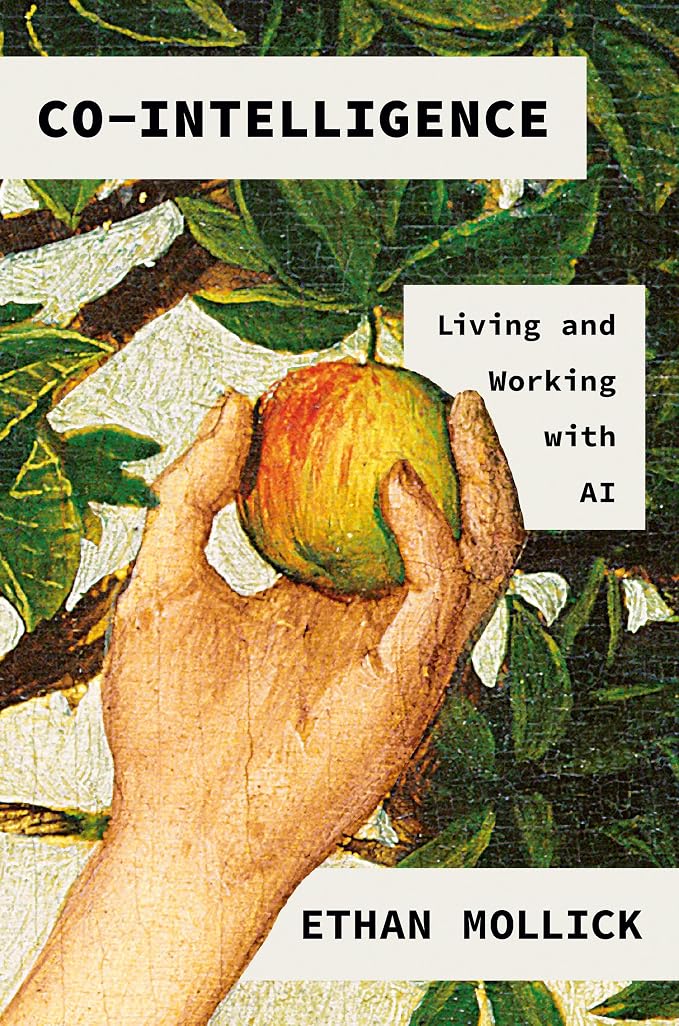
Cover of Co-Intelligence by Ethan MollickThe Reading Shelf

Best AI Strategy Primer: Co-Intelligence: Living and Working with AI — Ethan Mollick

Expert Verdict

In our testing, this is the single best primer for solopreneurs deciding what to actually delegate to an LLM. Mollick's 'always invite AI to the table' rule reshaped how we draft client deliverables.

  • Practical, business-tested frameworks — not hype.
  • Light on hands-on prompt examples; pair it with a prompt cookbook.
View on Amazon
Cover of Building a Second Brain by Tiago ForteThe Reading Shelf

Best Prompt Library System: Building a Second Brain — Tiago Forte

Expert Verdict

We rebuilt our entire prompt library around Forte's PARA method. Result: retrieving the right saved prompt is now a two-second action instead of a five-minute scavenger hunt.

  • Gives prompt libraries a real organizational spine.
  • Tool-agnostic on purpose — you still pick the app yourself.
View on Amazon
Cover of Slow Productivity by Cal NewportThe Reading Shelf

Best Workload Philosophy: Slow Productivity: The Lost Art of Accomplishment Without Burnout — Cal Newport

Expert Verdict

The follow-up to Deep Work, and the more useful one for a one-person business. Newport's 'do fewer things, at natural pace, obsess over quality' maps almost exactly onto running a small tool site with AI help.

  • A workload philosophy that survives contact with an unpredictable client calendar.
  • The historical case studies run long; the framework itself lands in chapter three.
View on Amazon

Software We Actually Pay For

Three subscriptions that survived the yearly cull. All three links are affiliate links; they may earn us a commission at no extra cost to you.

Best AI App Builder: Lovable

How most of the tools on this site were built. You describe the feature, it ships real React code you own — not a locked page builder.

Try Lovable

Best Privacy Stack: Proton

Encrypted mail, drive, and VPN under one subscription — useful when client documents and contracts live in your inbox and you'd rather they weren't scanned.

See Proton plans

Best AI Workspace for One-Person Teams: Taskade

Projects, notes, and tasks in one place — plus AI agents you can train on your own documents and set loose on the repetitive parts: chasing follow-ups, drafting the same client email for the hundredth time, turning meeting notes into a real task list. The free plan is enough to judge it in an afternoon, and Pro is $10/month if it sticks.

Start free on Taskade

How We Curate Our Picks

Products on this page are selected for their relevance to AI-assisted, one-person workflows — the kind of tools a solo operator can pick up, use, and get value from quickly. We don't take placement fees and we don't pad the list to hit a round number.

Some links on this page are affiliate links, which may earn SoloPrompt AI a commission at no additional cost to you. This does not influence which products are listed.

As an Amazon Associate I earn from qualifying purchases. Product availability, pricing, and editions on Amazon may change without notice.